


2.5.5 Replying to Articles
It is also possible to reply to an article in a newsgroup.
This is done as follows:
- Access the newsgroup as described on
page
125.
- Select the article you want to reply to by single-clicking on it.
- Click on the Reply button in the dialog box. The Reply to ...
dialog box appears (see Figure 88).
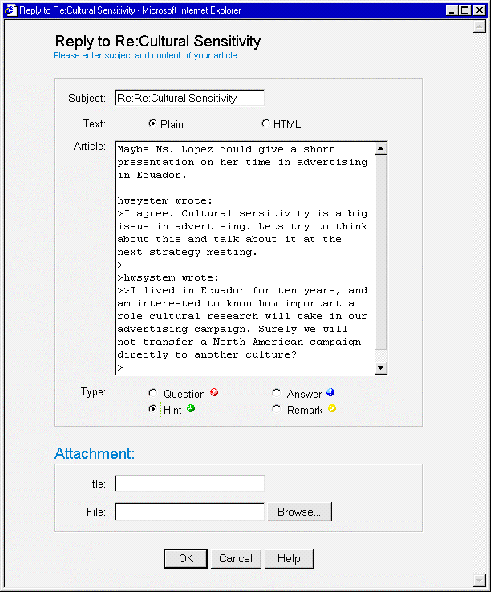 Figure 88: The Reply to dialog box
- Change the subject of the reply, if desired.
- Use the option buttons to specify the type of text (HTML or plain) you are
submitting.
- Enter the content of the article in the Article text box.
- Use the options buttons to specify whether you are submitting a
Question, Answer, Remark or Hint.
- Optionally add one or more attachments.
- Click on the OK button. Your reply will be added to the newsgroup.
